





With two releases a year, it’s important for ServiceNow professionals to know what’s on the cards for each upgrade, whether it’s new products and apps, or expanded capabilities and fixes.
From timelines to terminology, here’s some bite-sized guidance to help you navigate the world of ServiceNow Releases.
Release Notes and Guidance
As the name suggests, ‘release notes’ refer to the documentation for a given release. In addition, and following a recent redesign, the experience now provides “phased content that more closely matches the upgrade process”.
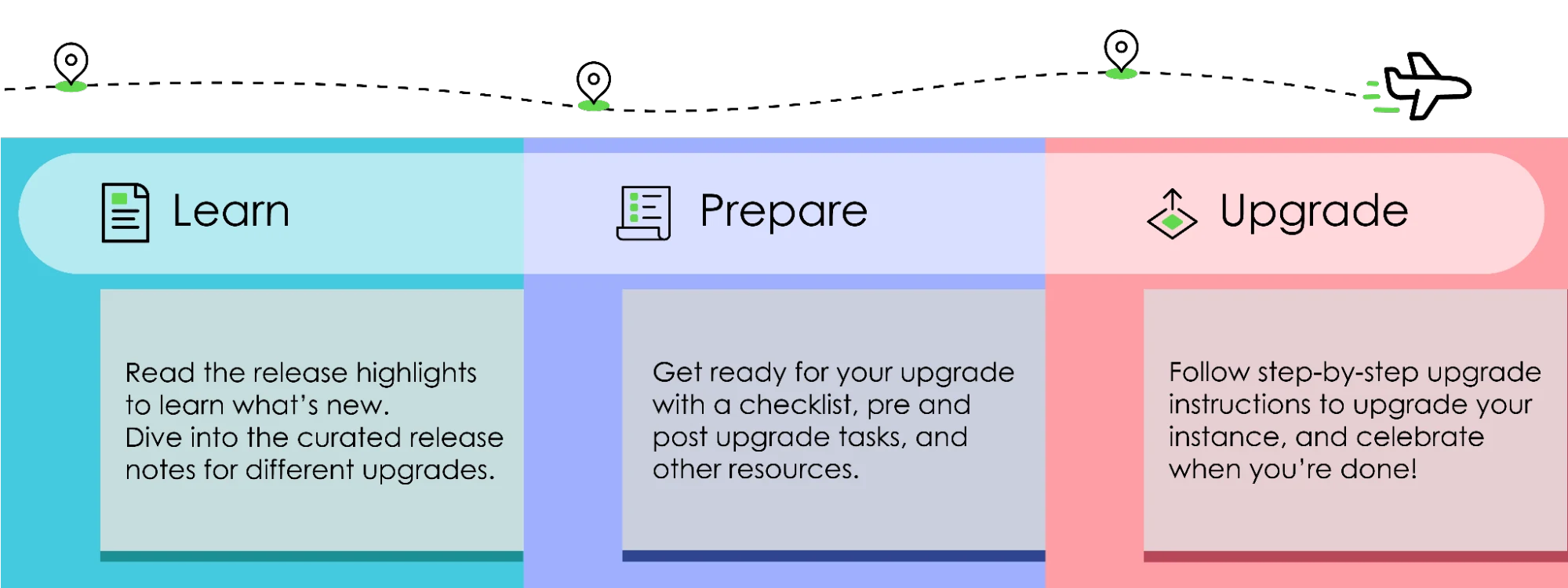
ServiceNow divides this guidance for navigating the release notes into three broad sections: Learn, Prepare, and Upgrade.
Learn
This part is all about reading! While release notes for a given release will be tailored, there will be some regular guidance to support you as you prepare to upgrade. Here’s what you can expect to see:
- Release highlights.
- Features and changes by product, which are pre-combined for cross-family upgrades.
- Changes to plugins.
- Personalized PRB release notes.
- Available patches and hotfixes.
- Browser support.
- Accessibility and compliance.
Prepare
ServiceNow provides a useful checklist to help you work on what needs to be done before and after you upgrade.
- ServiceNow upgrades.
- Pre- and post-upgrade tasks for various products.
- Upgrade planning checklist.
- Upgrade tools and resources.
- Upgrades and the ServiceNow Store.
Upgrade
From testing to scheduling, ServiceNow breaks the upgrade experience into seven distinct phases:
- Phase 1: Read the release notes and plan your upgrade.
- Phase 2: Prepare for the development instance upgrade.
- Phase 3: Verify your upgrade configurations and schedule the development instance upgrade in Now Support.
- Phase 4: Upgrade and validate the development instance.
- Phase 5: Upgrade and validate your other non-production instances, such as your test instance (if applicable).
- Phase 6: Prepare to upgrade the production instance.
- Phase 7: Upgrade the production instance.
The Release Cycle
So what happens and when?
Early Release Program
This two-part program gives existing customers the option to upgrade early to a version of the latest family release – a useful opportunity to try out and test new features in their own environment before market launch (GA).
Phase 1 is Release Testing Preview (RTP), which is available at least 60 days prior to General Availability and offers a pre-release version for testing on sub-production instances.
Phase 2 refers to Early Availability (EA), which is available at least 45 days prior to General Availability and offers a production-ready version for upgrade on both sub-production and production environments.
General Availability (GA)
Marking the official end of EA and the early testing phases, GA refers to the final version of the release, with production upgrades made widely available to all customers.

The Latest Release
Now GA, we’re currently in Australia (which followed Zurich in Q2 last year).

There’s been plenty to shout about with this release, including patches and hotfixes. Here are some of the other top highlights:
- 5 ServiceNow Australia Release Enhancements That Will Change How Admins Work
- ServiceNow Australia Release: Game-Changing AI Features for Flow Designer
- Top ServiceNow Australia Release Features to Help Developers Build Better With AI
What’s Coming Up?
Sticking with the alphabetical naming conventions, later this year we’ll be moving on to Brazil. Stay tuned for our top highlights!